One Console. Every FortiGate. Full Automation.
Ogma's NSE7-certified architects design your FortiManager from the ground up — or rescue an existing deployment — delivering the central control and automation that cuts operational overhead dramatically.
- ADOM structure aligned to geography, compliance boundary, or customer segment
- Policy packages replace per-device <a href='https://www.fortinet.com/products/next-generation-firewall' target='_blank' rel='noopener'>FortiGate</a> rules — one change, all devices updated
- Automated hourly/daily config backups via built-in scheduler + CLI scripting
- Bulk firmware upgrades with rollback points and maintenance window planning
- Push NTP changes, BGP peers, or DHCP scopes to 50 FortiGates via script
- RBAC admin profiles for PCI-DSS, SOC 2, and multi-tenant environments
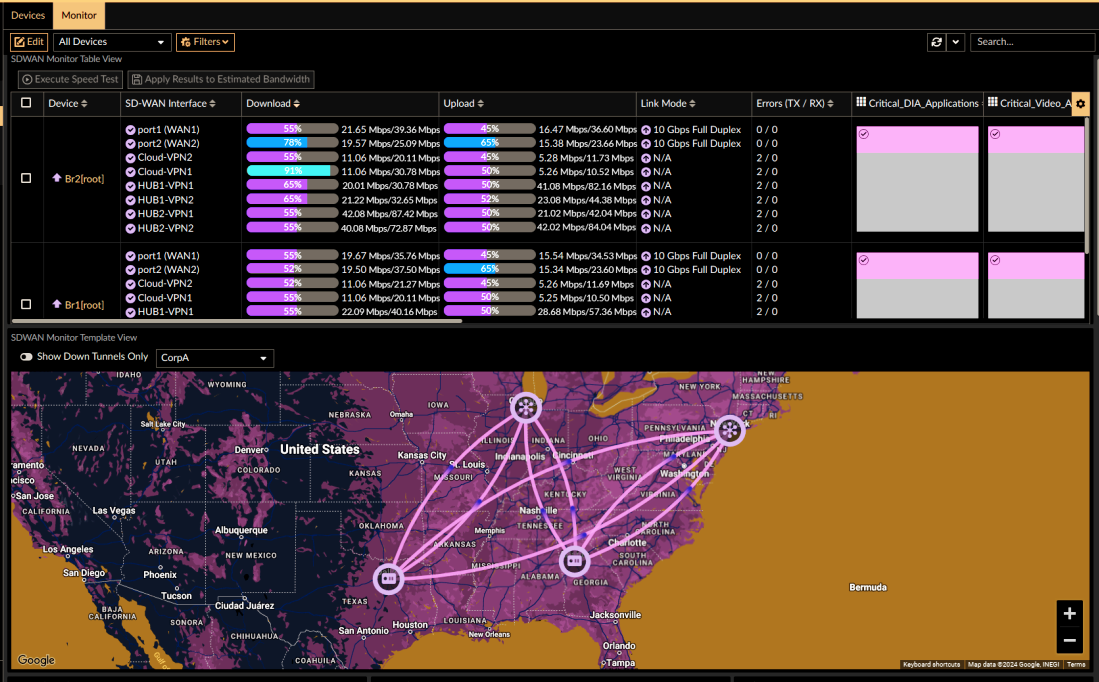
What Ogma Delivers on Your FortiManager
Six automation capabilities that transform how you manage your FortiGate estate.
ADOM Design & Migration
Administrative Domain structure is the foundation of FortiManager. Ogma designs ADOMs aligned to your geography, compliance boundary, or customer segmentation, then migrates all devices under the correct scope.
Policy Packages & Templates
Central policy packages replace per-device rules. Ogma creates shared objects, global headers/footers, and per-ADOM packages — one change propagates to all devices instantly.
Automated Config Backup
FortiManager's built-in scheduler, combined with CLI scripting, ensures hourly or daily config snapshots for every managed device. No more manual backups before changes.
Bulk Firmware Lifecycle Management
Plan, test, and execute firmware upgrades across your entire FortiGate estate from a single console. Ogma stages upgrades, manages rollback points, and coordinates maintenance windows.
CLI Scripting & Mass Changes
Need to push a new NTP server, change a BGP peer, or add a DHCP scope to 50 FortiGates simultaneously? Ogma writes and executes the CLI scripts via FortiManager's device-group scripting.
Role-Based Admin Profiles
For PCI-DSS, SOC 2, or multi-tenant environments, FortiManager's admin profiles provide audit-proof separation of duties — Ogma configures RBAC aligned to your compliance requirements.